Getting Started, Safety & Maintenance
Integrate Commercial Treadmills In Tight Spaces
15th Nov•6 min read

When selecting an accessible treadmill for visually impaired users, the right adaptive treadmill features transform isolation into independence. I've seen too many treadmills gather dust because their interfaces ignored basic usability (dry belts, misaligned rollers, and dusty circuit boards were not the root cause). The real failure was designing equipment that demanded perfect sight to operate safely. As a former mobile tech now focused on preventive care, I'll break down what actually enables self-sufficient workouts. Because when a machine respects your needs, maintenance is mileage (not a chore).
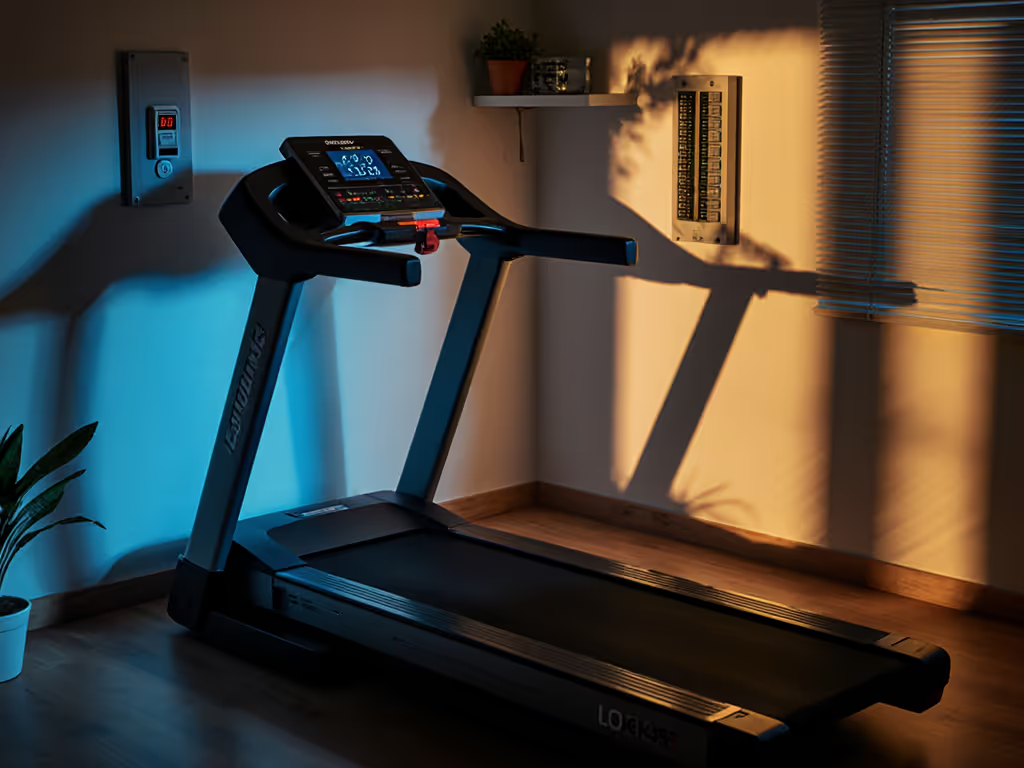
Most treadmills force users to rely on others simply to start a workout. As the American Foundation for the Blind notes, traditional control panels have no tactile markings, reflective screens causing glare, and tiny low-contrast labels impossible to read without sight. A 2018 Rica research study confirmed this: only 56% of touchscreen consoles were usable by blind or low-vision participants compared to 67% for LED models with physical buttons. When you can't locate a Start button independently, the machine's $1,500 price tag becomes irrelevant. Safety vanishes too. Imagine reaching blindly for controls while the belt moves. This isn't about convenience; it's about the right to exercise without supervision. If you're new to treadmills, start with our beginner safety guide to build confidence before evaluating accessibility features.
Preventive care beats warranty claims nine days out of ten. Design flaws that ignore accessibility create failures no lube or calibration can fix.
"Big buttons" alone won't cut it. After field-testing dozens of fitness equipment models with visually impaired users, I've seen three non-negotiables:
I once repaired a treadmill modified with braille stickers (a temporary fix that peeled off after two weeks). Real accessibility isn't hacked; it's engineered. Prioritize machines where tactile/audio features are built-in, not bolted-on.
"Safety" often means locking out disabled users, like emergency stop cords requiring sight to locate. True safety empowers independence. Focus on:
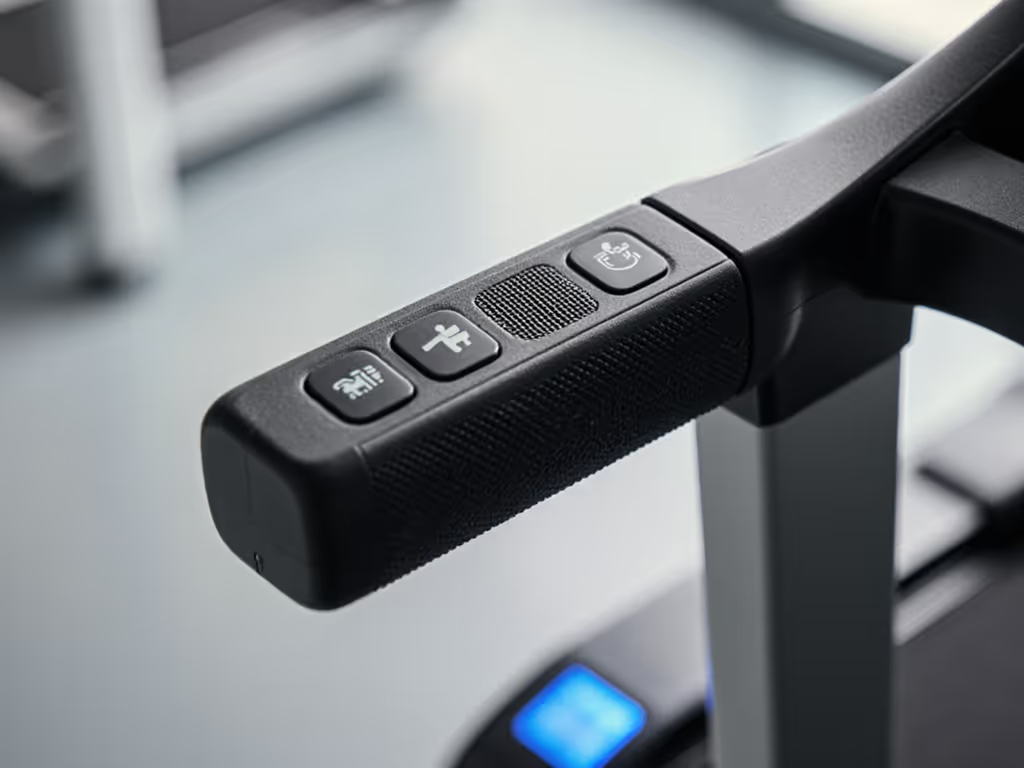
A client of mine nearly fell when his treadmill's speed jumped unexpectedly, he couldn't see the display to verify settings. Audio cues prevent these near-misses. Remember: If you can't track it, you can't control it.
Fancy interfaces mean nothing if the machine fails after six months. Adaptive treadmill features should never sacrifice core durability. As a tech, I've seen two critical patterns:
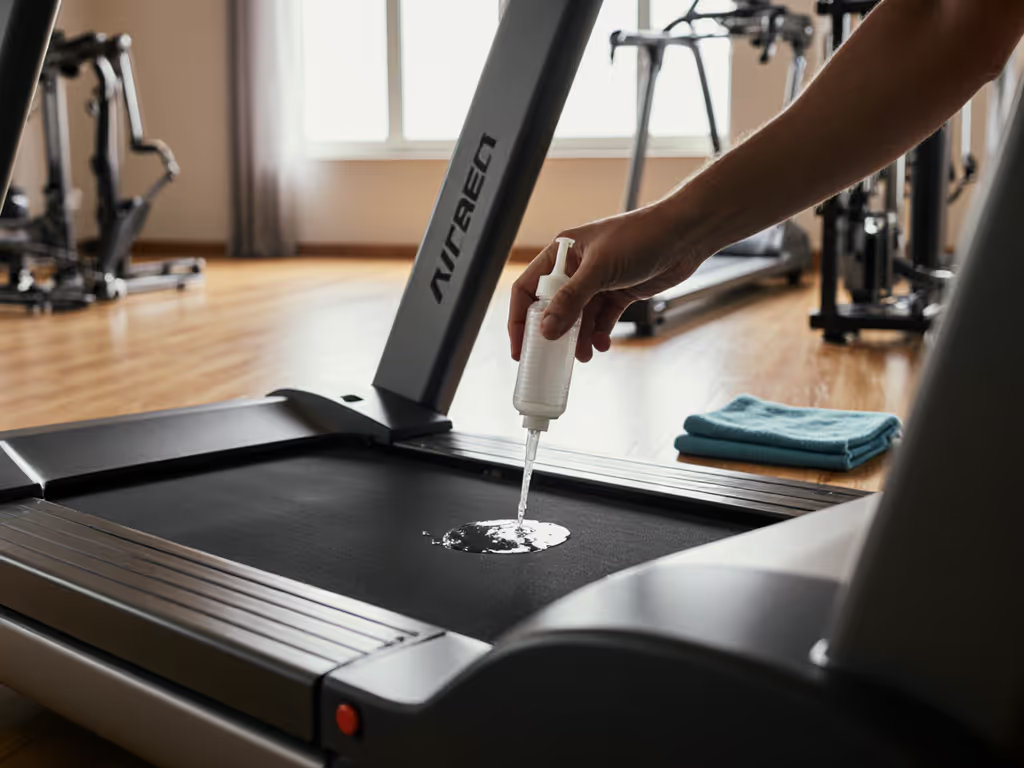
My preflight checklist (Listen for grinding sounds, Feel belt alignment, Track speed accuracy, Clean debris) applies doubly here. A squeaky belt distracts from audio cues; a misaligned roller throws off gait. Simple weekly checks keep the system trustworthy. Maintenance isn't optional; it's the price of autonomy. Use our treadmill maintenance manual for step-by-step schedules, lubrication intervals, and troubleshooting basics.
You might think these features only help the blind. Wrong. High-contrast displays aid anyone squinting at 5 a.m. Tactile controls work when you're sweaty post-run. Audio feedback helps runners eyes-free during sprints. As one visually impaired user told me: "When you've had a disability for 20 years, expectations are low, until the environment changes. Then it's a breath of fresh air."
That's the shift we need: designing accessible treadmills for visually impaired users from day one. Not as a niche add-on, but as core functionality. Because when Patrick Sturdivant (a VP at Deque Systems) says, "I have equal access just like anyone else," he's not praising Peloton. He's demanding what all users deserve: a machine that works for you, not against you.
Test blindfolded: Before buying, cover your eyes and try starting/stopping. If you can't, walk away.
Demand demos with audio toggled ON: Verify speech clarity at normal volume, no shouting over music. If the stock setup falls short, our tested treadmill accessories include safety clip alternatives and vibration mats that improve stability and audibility.
Check service documentation: Does the manual explain audio module cleaning? If not, skip it.
Contact the manufacturer directly: Ask: "How do you test for tactile/audio usability?" Vague answers = red flags.
Further Exploration
The journey toward inclusive fitness moves faster when we share knowledge. Connect with organizations driving real change:
Your independence isn't a special feature - it's the baseline. Demand equipment that meets you there. Because when the machine works with you, not for you, every step forward becomes possible. And remember: maintenance is mileage - in fitness, accessibility, and life.